Dialogue Node Intro
Every conversation built with the Mountea Dialogue System is a graph of Dialogue Nodes connected by edges. This page explains what a node actually is under the hood, what every node type has in common, and gives you a map of the concrete node types so you know which page to read next.
1. What a Dialogue Node Is
All node types - Start, Lead, Answer, Complete, Delay, Return To, Open Child Graph, and any custom node you write - derive from one abstract base, UMounteaDialogueGraphNode. The base class handles everything that isn't specific to a single node's behaviour:
- Its position in the graph -
ParentNodes,ChildrenNodes, and theEdgesconnecting them. - A stable
NodeGUIDused to identify the node for debugging, saving, and traversal. NodeGameplayTags- tags you can use to match Participants or find specific nodes at runtime.NodeDecorators- the list of Decorators attached to this specific node, plusbInheritGraphDecoratorsto also run whatever Decorators are attached to the parent Graph.bAutoStarts- whether the node fires as soon as traversal reaches it, or waits for something (usually player input) to start it.MaxChildrenNodes- an optional cap on how many outgoing connections the node accepts (-1means unlimited).
Info
Nodes that carry actual dialogue text - Lead, Answer, Complete - derive from a second abstract layer, UMounteaDialogueGraphNode_DialogueNodeBase, which adds the DataTable / RowName pair pointing at a DialogueRow Data Table. Nodes that don't display text (Start, Delay, Return To, Open Child Graph) skip this layer and derive straight from the base node class.
You never construct a node with a "Spawn" call - nodes are added directly on the Dialogue Tree canvas via right-click. What you can do from Blueprint is read a node's state at runtime (for custom UI, analytics, etc.) using the base class's BlueprintCallable/BlueprintPure functions, available on every node type:
| Node function | Returns |
|---|---|
| Get Node GUID | Guid - stable identifier for this node |
| Get Children Nodes / Get Parent Nodes | the connected nodes on either side |
| Does Auto Start | whether this node starts without waiting for input |
| Does Inherit Decorators | whether the node also runs the Graph's Decorators |
| Get Max Child Nodes | connection limit, -1 = unlimited |
| Get Node Decorators | the valid Decorators attached to this node |
#include "Nodes/MounteaDialogueGraphNode.h"

// Every concrete node type ultimately derives from this
class MOUNTEADIALOGUESYSTEM_API UMounteaDialogueGraphNode : public UObject,
    public IMounteaDialogueGraphNodeInterface,
    public IMounteaDialogueTickableObject
{
    // ProcessNode_Implementation / PreProcessNode_Implementation / CanStartNode_Implementation
    // are BlueprintNativeEvent hooks a new node type CAN override.
};
Info
UMounteaDialogueGraphNode is Abstract, BlueprintType, and Blueprintable - you can create a new node type either as a C++ subclass or as a Blueprint subclass. See Custom Node for that workflow. ProcessNode, PreProcessNode, CanStartNode, EvaluateDecorators, and CleanupNode are all BlueprintNativeEvent - each has a default C++ implementation (..._Implementation) that a subclass, C++ or Blueprint, can override.
Warning
Overriding is optional, not universal. Lead Node, Answer Node, and Complete Node do not override ProcessNode at all - all three run the exact same inherited logic from UMounteaDialogueGraphNode_DialogueNodeBase. What makes them behave differently is metadata, not code: Does Auto Start (Lead is true; Answer and Complete are false) and which node types are allowed to connect to them. If you're subclassing to build a Custom Node, don't assume every concrete node type needs its own ProcessNode override - most of the differentiation the built-in types show comes from configuration, not from distinct logic.
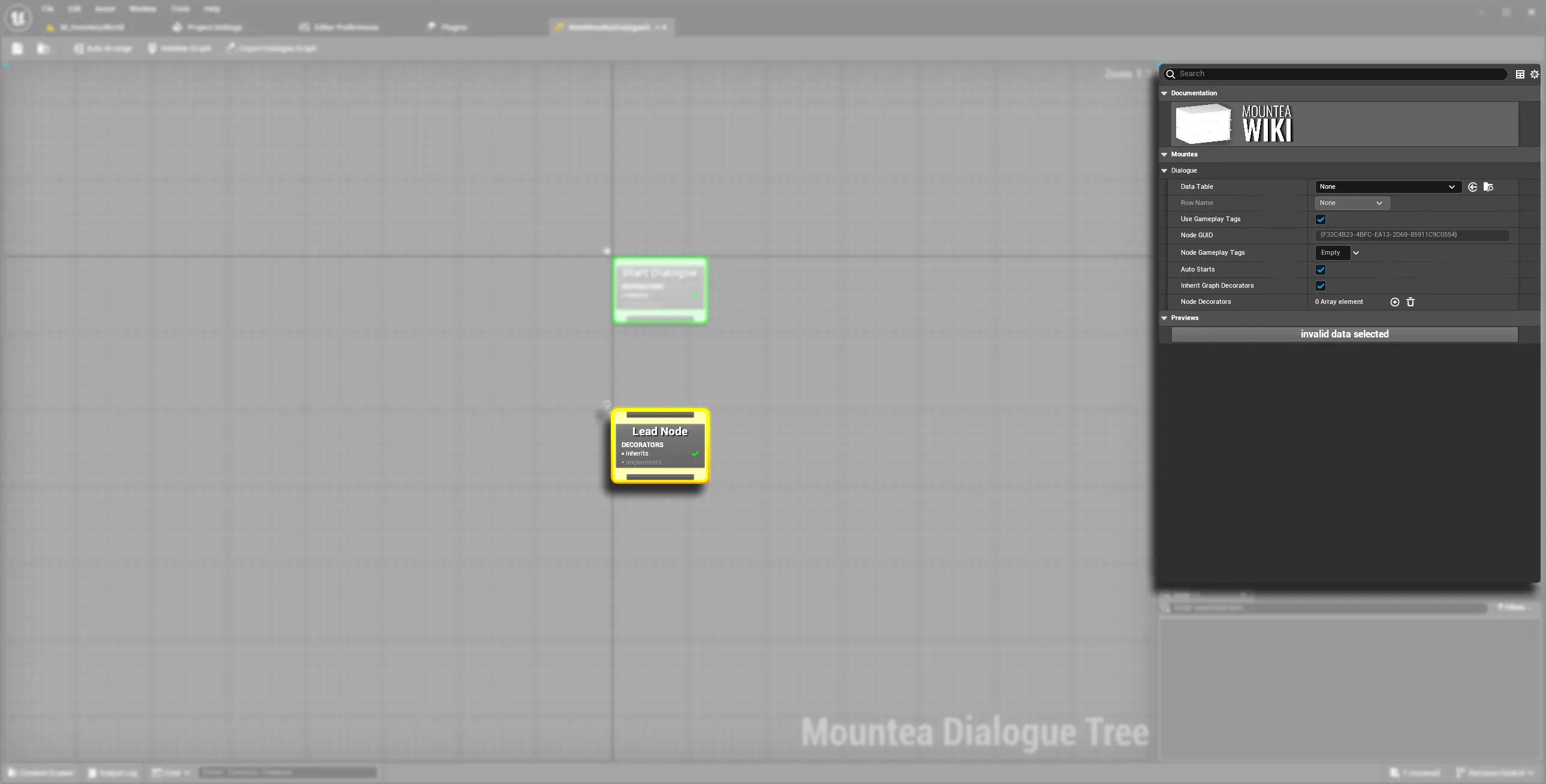
2. Node Types at a Glance
| Node Type | Description | Details |
|---|---|---|
| Start Node |
|
|
| Lead Node |
|
|
| Answer Node |
|
|
| Complete Node |
|
|
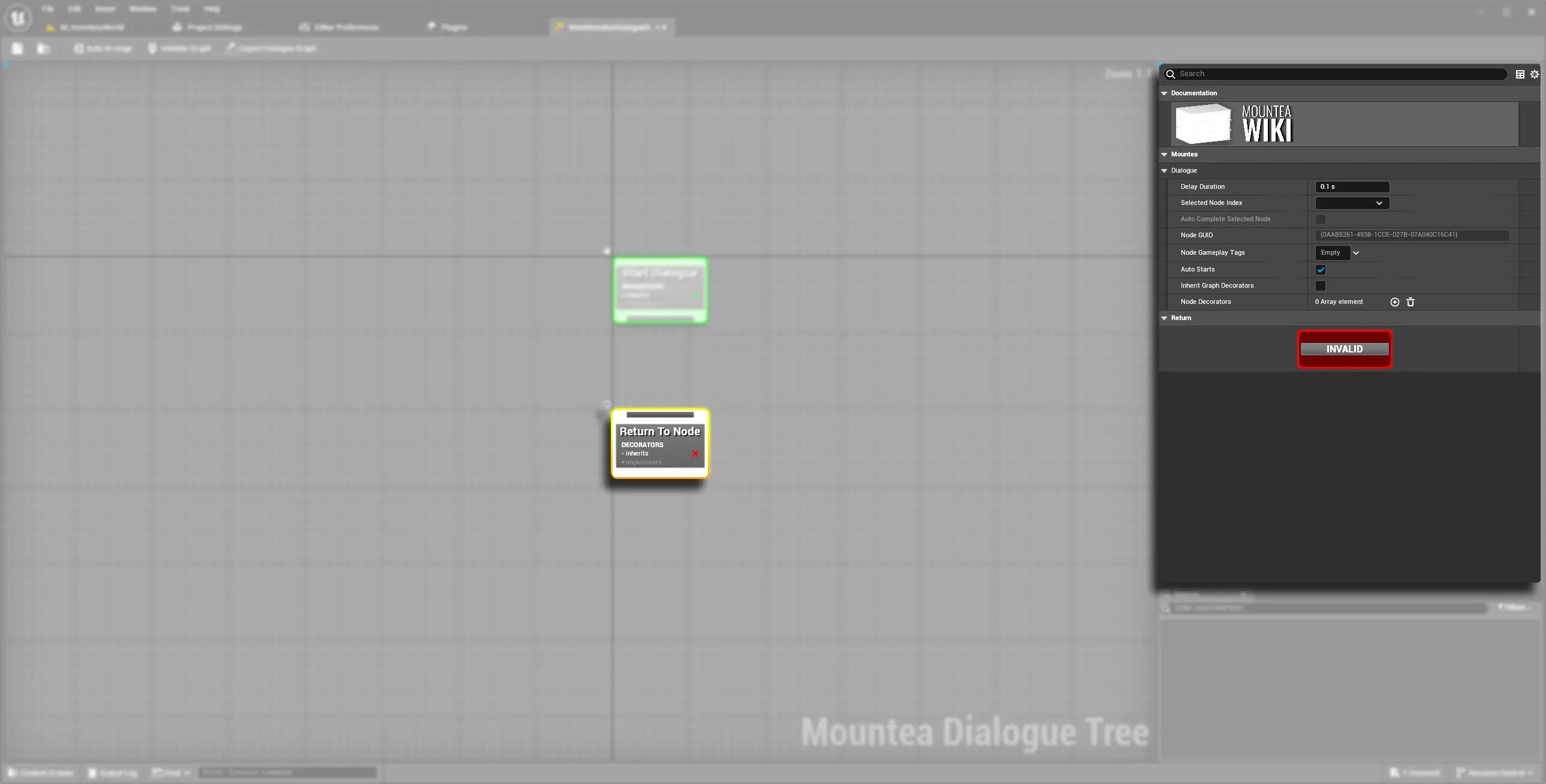
| Return To Node |
|
|
| Delay Node |
|
|
| Custom Node |
|
|
| Open Child Graph Node |
|
|
Warning
Start Node, Delay Node, and Open Child Graph Node are all NotBlueprintable - you can't create a Blueprint subclass of these specific types. Every other node type, and the base class itself, can be subclassed from Blueprint.
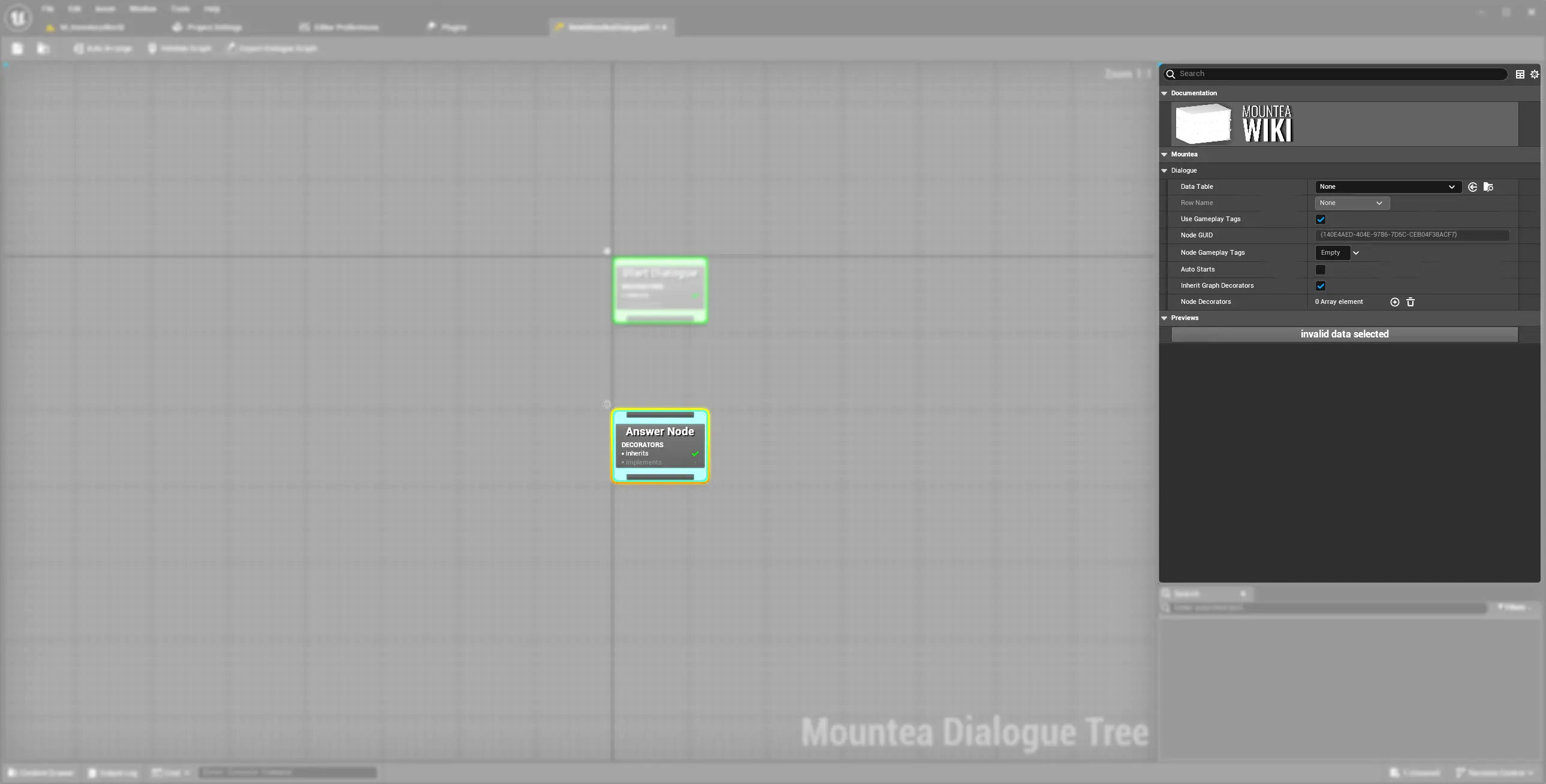
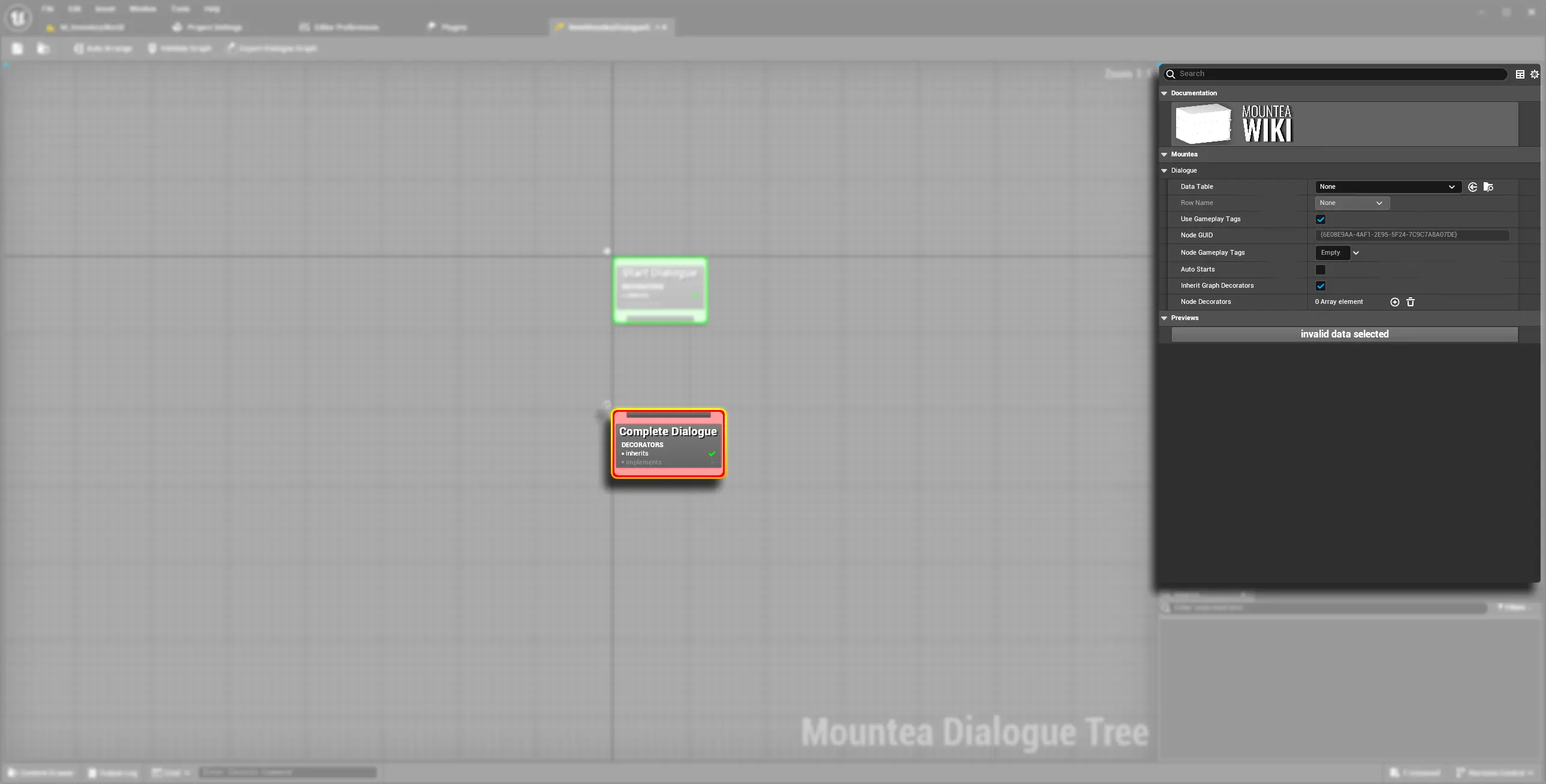
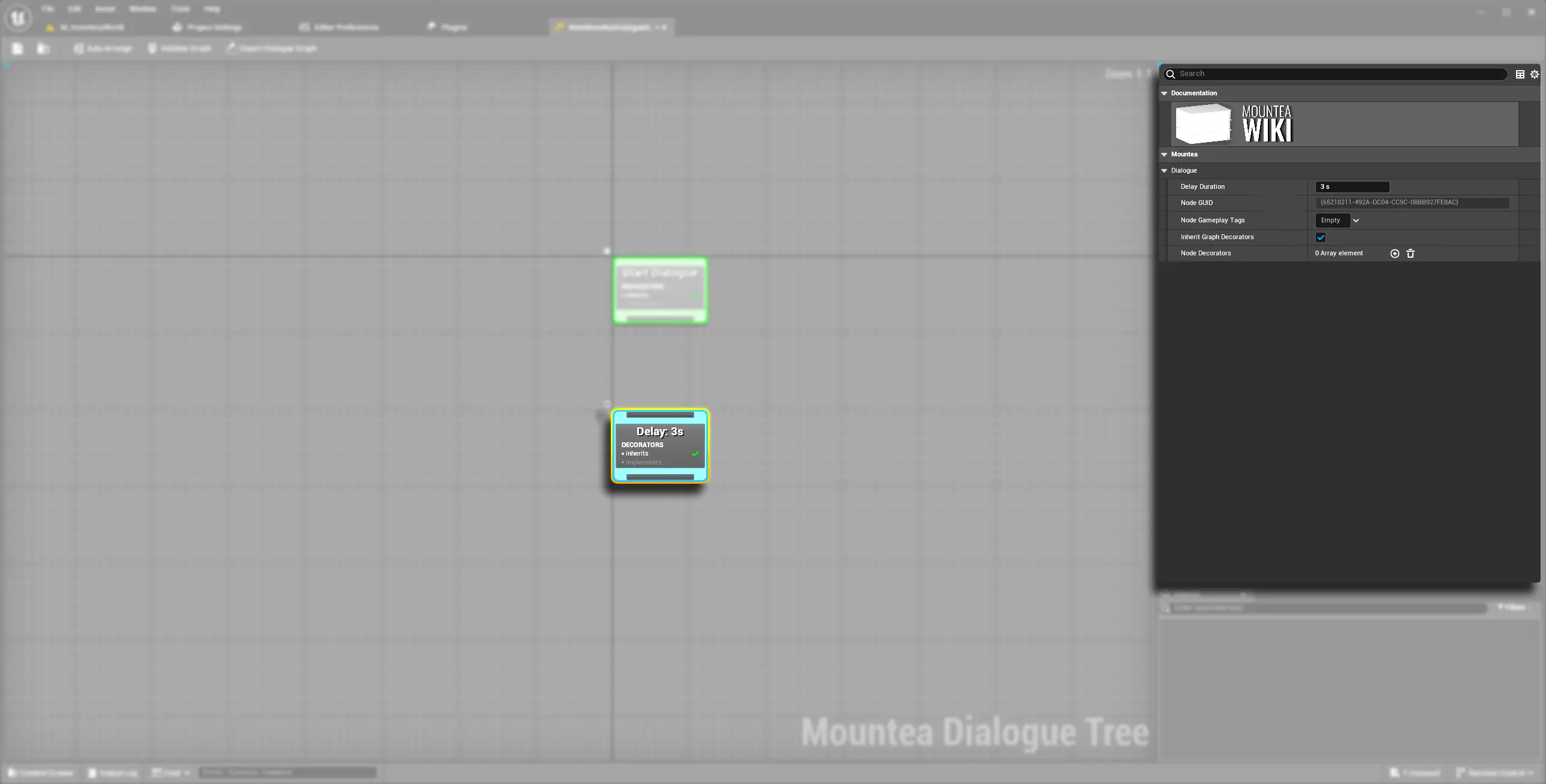
3. How Traversal Reaches a Node
It's easy to assume Decorators can stop a node from running - they can't. Two separate mechanisms are involved, and they act at different points:
Whether a node is reachable at all is decided before the node is chosen, by evaluating the Edge Condition(s) on the connection leading to it, combined with the node's own CanStartNode check. A node whose incoming edge fails its Conditions is filtered out of the set of options entirely - it's never selected, never processed, and never gets a chance to run.
Info
Edge Conditions are a separate system from Dialogue Decorators, attached to the connections between nodes rather than to nodes themselves. A dedicated Dialogue Conditions page is planned but not written yet - for now, know that this is the mechanism that actually controls whether a branch can be taken, not Decorators.
Once a node has actually been chosen, it goes through the same lifecycle regardless of type:
PreProcessNode- called first; this is also when the node's own Decorators (and the Graph's, ifbInheritGraphDecoratorsis true) are initialized.ProcessNode- the node's actual behaviour: showing dialogue text, starting a timer, jumping to another node, or (for Start Node) simply nothing. This is also when Decorators actually execute their side effects.CleanupNode- called once the node is done, releasing anything Decorators were holding onto.
Warning
Decorators never gate this lifecycle - by design, they can't stop a node from processing once it's been reached. If you need to conditionally block traversal (skip a node, prevent a branch from being taken more than once, etc.), use an Edge Condition, not a Decorator. Decorators are for side effects - swapping dialogue data, changing participants, firing external commands - not for control flow.
Broken or Invalid Nodes
ValidateNodeRuntime runs before a Dialogue starts. If any node in the Graph fails validation, the Dialogue as a whole refuses to start rather than risk crashing mid-conversation - check the Output Log for which node and why.