Answer Node
Answer Node is how players talk back - it's what turns a Dialogue Tree from a monologue into a conversation with choices. This page covers what makes it wait for input and what data it needs.
1. What Answer Node Is
UMounteaDialogueGraphNode_AnswerNode derives from UMounteaDialogueGraphNode_DialogueNodeBase, and just like Lead and Complete, it doesn't override ProcessNode - see the Dialogue Node Intro page for the shared lifecycle all three run. Answer Node's identity comes entirely from its metadata:
Does Auto Startisfalse. This is the real mechanism behind "Answer Node requires Player input" - there's no special waiting-for-input code on the node itself. When the Session computes the allowed children of a node and finds more than one (typically several Answer Nodes offered as choices), it stops and waits for aSelectNodecall instead of auto-advancing. The Answer Node just sits there as an option until the Manager relays the player's pick.- Requires a Dialogue Data Table. Same
DataTable/RowNamepair inherited fromDialogueNodeBase- this is the text shown on the answer button. - Blueprintable. You can subclass Answer Node from Blueprint or C++ if you need extra behaviour attached to a player choice.
Info
Answer Node accepts connections from Lead Node, Start Node, Delay Node, and another Answer Node - so you can chain multiple answers in sequence if a branch needs it. It does not accept a direct connection from Complete Node.
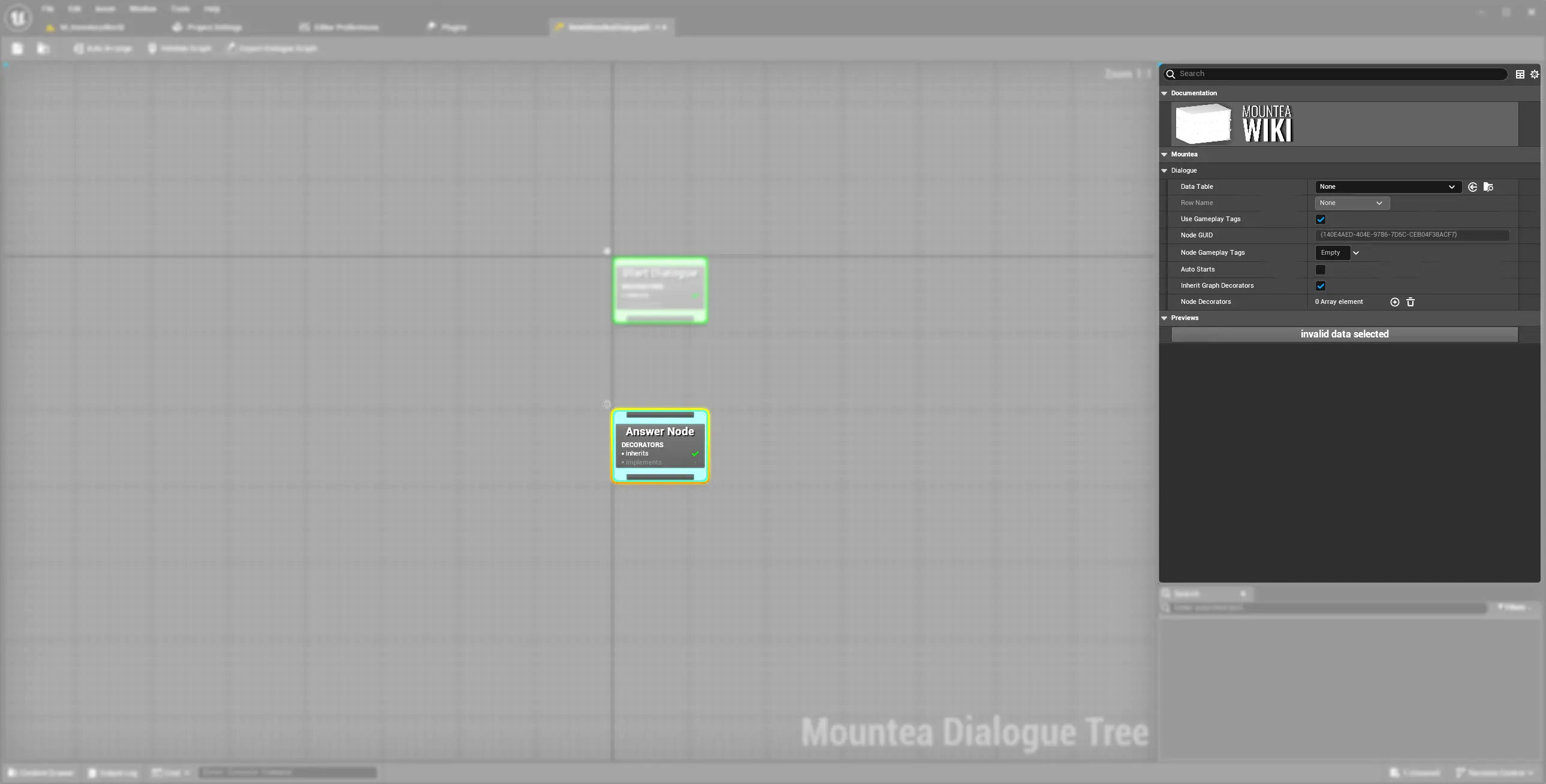
2. Setting Up an Answer Node
- Add an Answer Node as a child of a Lead Node (or several, to present a list of choices).
- Set Data Table and Row Name exactly as with Lead Node - this is the text shown on the option button.
- Connect its output pin onward - typically to a Lead Node with the NPC's reply, or straight to Complete Node.
#include "Nodes/MounteaDialogueGraphNode_AnswerNode.h"

class UMyCustomAnswerNode : public UMounteaDialogueGraphNode_AnswerNode
{
    // Still no ProcessNode override needed for most cases -
    // bAutoStarts and AllowedInputClasses already say what you need.
};
Warning
Answer Node needs a valid Data Table row for the same reason Lead Node does - ValidateNodeRuntime checks it before the Dialogue is allowed to start at all.